 Clipping
 software for streamers and clippers
Cut the stream while it is still hot
Paste a VOD or drop a recording. Clipping finds the spikes, writes a hook, captions the vertical cut, and hands you files ready for TikTok, Reels, and Shorts.
Built for people who post every day, not once a week.

What you leave with after one VOD
- Pull 8 to 20 clip candidates from a long VOD without scrubbing the timeline
- Walk out with 9:16 cuts, burned-in captions, and a hook title on each file
- Ship the same night the stream ended, while the chat is still talking
- Keep a queue of exports instead of a folder of half-edited drafts
- Hand a junior clipper a workspace they can actually finish in
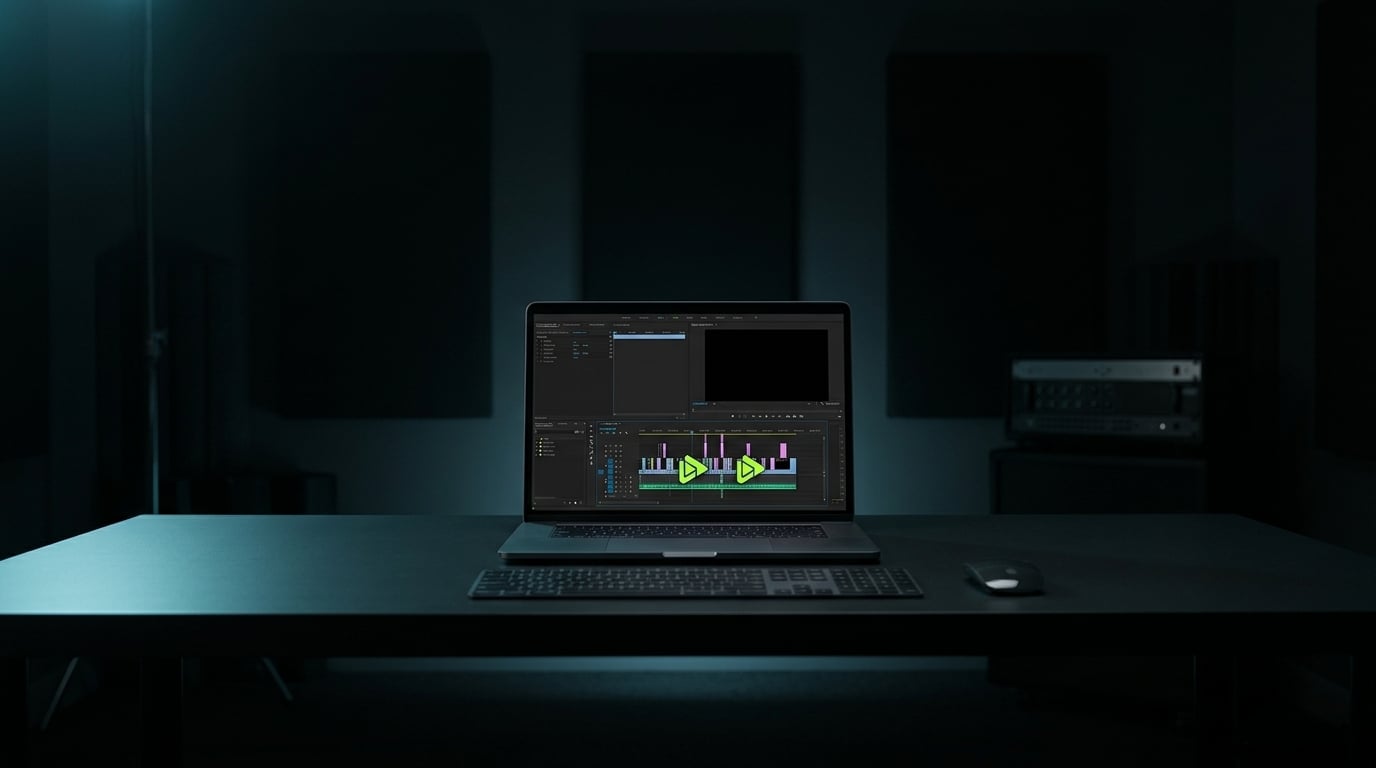
“The clip that pays is the one you posted while the stream was still live.”
Four moves, then you post
- 01
Drop the VOD
Paste a Twitch, Kick, or YouTube link, or upload the recording you already have.
- 02
Mark the spikes
Clipping scores chat jumps, audio peaks, and replayed moments, then stacks them as clip cards.
- 03
Lock the hook
Each card comes with a title, a first-line caption, and a crop. Change any of it before you export.
- 04
Export vertical
Download 9:16 files with captions, or send the batch straight to your posting queue.
The desk
SeanPio Kachakjian
SeanPio built Clipping after watching clip pages win the algorithm while editors were still sitting in Premiere. The software is the desk he wanted on stream night: find the moment, cut it, post it.
Clipping
$29per month, cancel any time
- Unlimited VOD imports in the workspace
- Auto-scored clip candidates with hooks and captions
- Vertical export with burned-in captions
- Member access to new cut tools as they ship
Run it on one VOD. If it is not faster than your current cut, cancel before the next bill.
Questions
What sources can I paste?
Twitch VODs, Kick VODs, YouTube videos, and files you already recorded. If the link plays, you can drop it in.
Does it replace my editor?
It replaces the hunt. You still approve the hook and the crop. Premiere stays for the one-off cinematic cut, not for twenty TikToks a night.
Who is this for?
Streamers who post their own clips, clippers running a page, and social teams that need volume the same night.
Can I cancel?
Yes. Billing is monthly. Cancel any time from your Whop membership and access stops at the end of the period.